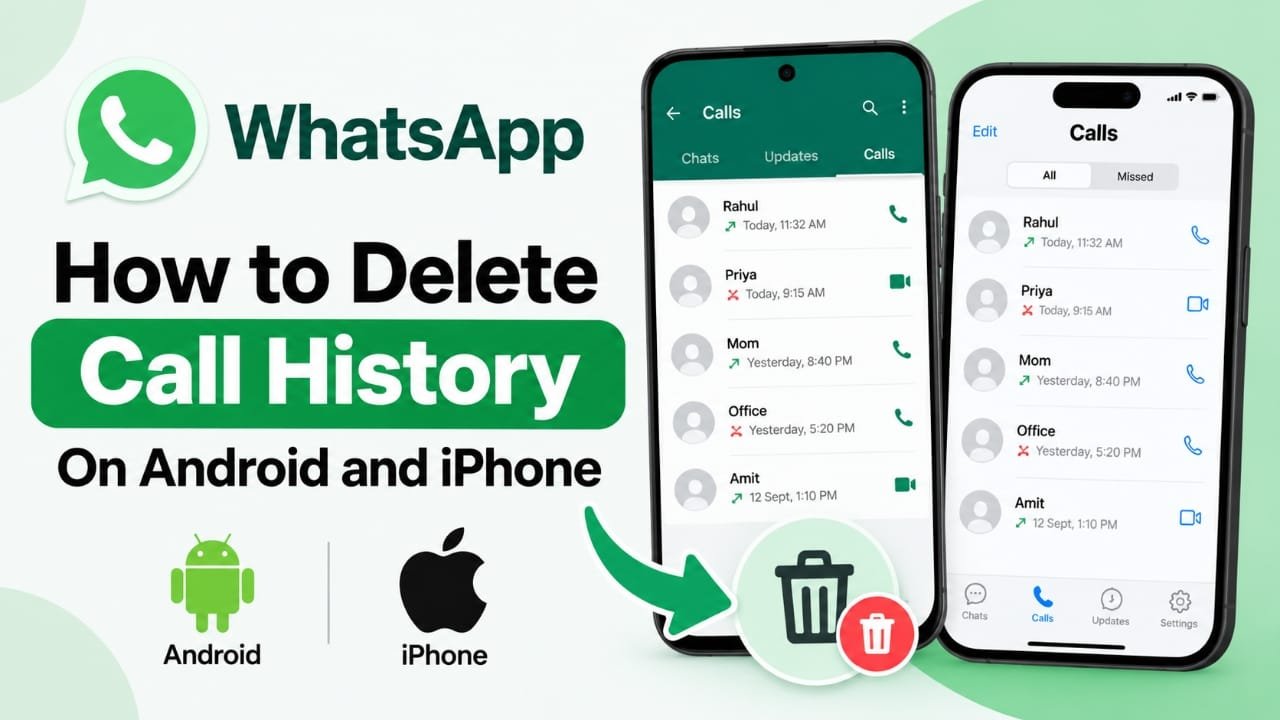
WhatsApp keeps track of your voice and video calls in the Calls section. If you use WhatsApp regularly, this list can become quite long and difficult to manage. You may also want to remove certain call records for privacy or simply to keep the app organized.
Fortunately, WhatsApp provides built-in options to remove individual call entries or clear the entire call list. The steps are slightly different on Android and iPhone.
Here is how you can manage your WhatsApp call history on both devices.
Also read: How to Delete Call History on Android and iPhone
What Does WhatsApp Call History Include?
The WhatsApp Calls section can contain different types of call records, including:
- Voice calls
- Video calls
- Missed calls
- Incoming calls
- Outgoing calls
Removing these records only affects the call list. Your WhatsApp conversations, contacts, photos, videos, and other media are not deleted when you clear the call history.
Can You Delete WhatsApp Call History?
Yes. WhatsApp allows you to remove call records manually.
Depending on your device, you can either delete a particular call entry or remove the complete call list. WhatsApp does not provide an option to automatically clear call history after a certain period, so it has to be managed manually.
How to Delete a Single WhatsApp Call on Android
If you only want to remove one call record, you do not need to clear the entire list.
Follow these steps:
Advertisements
- Open WhatsApp on your Android phone.
- Open the Calls section.
- Find the call record you want to remove.
- Press and hold that entry.
- Tap the Delete or trash icon.
- Confirm the deletion if WhatsApp asks you to do so.
The selected record will then disappear from your WhatsApp call list.
How to Clear All WhatsApp Calls on Android
If you want to remove the complete call history instead, WhatsApp provides a separate option.
- Launch WhatsApp.
- Go to the Calls tab.
- Tap the three-dot menu in the upper-right corner.
- Look for the option to Clear call log.
- Confirm your choice.
After confirmation, the call records shown in the WhatsApp Calls section will be cleared.
How to Delete an Individual WhatsApp Call on iPhone
On an iPhone, removing a single call record is also straightforward.
- Open WhatsApp.
- Tap Calls at the bottom of the screen.
- Find the call you want to remove.
- Swipe left on the call entry.
- Tap Delete.
Only the selected call record will be removed.
How to Clear WhatsApp Call History on iPhone
If you want to remove the entire call list, you can clear it from the Calls section.
- Open WhatsApp on your iPhone.
- Tap Calls.
- Tap Edit in the upper-left corner.
- Choose Clear.
- Confirm the action when prompted.
This clears the available call records from the WhatsApp Calls section on your iPhone.
Does Clearing Call History Delete WhatsApp Chats?
No. Deleting your WhatsApp call records does not normally remove your conversations.
Your:
- WhatsApp chats
- Photos and videos
- Documents
- Contacts
- Group conversations
remain separate from the call history.
The action is intended to remove the call entries displayed in the Calls section.
Can Deleted WhatsApp Call History Come Back After a Backup Restore?
A backup can affect what information appears after you restore WhatsApp. If a backup was created before you removed certain call records, some previously stored information may potentially return during a restoration.
If you want your current WhatsApp data to reflect the changes you have made, keeping your backup up to date is a sensible step.
Keep in mind that WhatsApp backup behavior can vary depending on the backup system and app version, so it is better not to rely on deletion alone when preparing a phone for someone else.
Why Would You Want to Delete WhatsApp Call History?
There are several ordinary reasons for clearing old call records.
Privacy
Some users prefer not to keep old call entries visible on their phones.
Better Organization
A long list of old calls can make it harder to find recent conversations. Clearing unnecessary entries keeps the Calls section easier to manage.
Removing Old Records
You may simply want to remove calls that are no longer useful or relevant.
Before Giving Away a Phone
If you are handing your phone to another person, reviewing personal information stored on the device is a good idea. WhatsApp call history can be one of the items worth checking.
Things to Remember Before Clearing Your Call History
Before deleting anything, make sure you are comfortable with the change. Once individual call records are removed from the visible call list, you may not be able to recover them directly through WhatsApp.
Also remember that clearing the Calls section does not mean that other WhatsApp information is deleted.
Also read: E2PDF Review: A Simple Way to Back Up SMS, Call Logs and Contacts
Final Thoughts
Removing WhatsApp call history is a simple way to keep the Calls section clean and easier to manage. Android users can delete individual entries or clear the call log, while iPhone users can remove specific calls or clear the available call history from the Calls section.
The important thing to remember is that deleting call records is separate from deleting WhatsApp chats and media. If you are clearing your call history for privacy or organization, review the steps for your device and remove only the records you no longer need.
